Setting up IPTV in Australia is simpler than most people think—but only if you follow the right steps.
This IPTV installation guide shows you exactly how to install IPTV on Firestick, Smart TVs, Android, iOS, PC, and more. Whether you’re a beginner or upgrading your setup, this guide is designed to help you get streaming fast without confusion.Works with all major apps including IPTV Smarters Pro and IPTV players. Compatible with b1g iptv, sky glass iptv, and other IPTV services.
IPTV (Internet Protocol Television) delivers TV content through your internet connection instead of cable or satellite.


Xtream Codes is often preferred because it auto-loads channels and updates content automatically

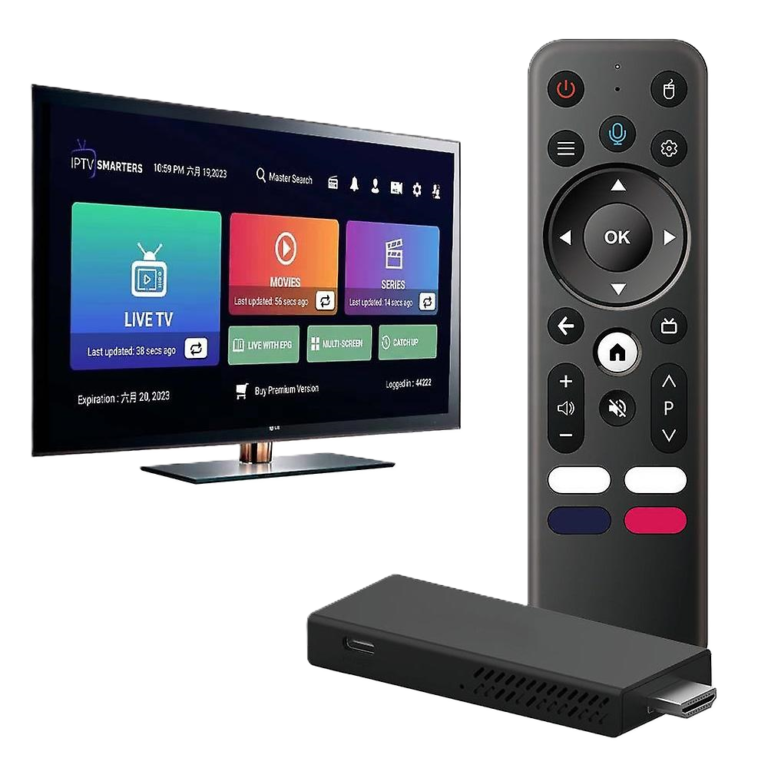
Before installation, make sure you have:
15–25 Mbps recommended
login details
Firestick, Smart TV, Android, etc.
e.g., IPTV Smarters Pro
A strong internet connection is critical for smooth streaming and avoiding buffering
This section covers how to set up IPTV on all major devices used in Australia. Each device supports different IPTV apps, so choosing the right setup improves performance and reduces buffering.
You can use IPTV on Firestick, Smart TVs, Android, iOS, MAG devices, Formuler boxes, Windows, and Roku.
IPTV is compatible with:
Depending on your device, you can use:
The best app depends on your device and how you prefer to watch (simple vs advanced setup).
Firestick is one of the most popular IPTV devices in Australia because it is affordable, easy to use, and supports powerful IPTV apps.
Best Apps for Firestick:
Setup Requirements:
Step-by-Step Setup:
Pro Tips:
Smart TVs are convenient because they don’t require extra devices, but app availability can be limited.
Best Apps for Smart TVs:
Setup Steps:
Important Notes:
Android devices are the most flexible IPTV option because they support almost all IPTV apps.
Best Apps for Android:
Formuler users can use MyTV Online, which is optimized for IPTV.
Setup Steps:
Pro Tips:
Apple devices have stricter app policies, but IPTV still works smoothly with supported apps.
Best Apps for iOS:
Setup Steps:
Important Notes:
Using IPTV on PC gives you better control and a larger screen experience.
Best Apps:
Setup Steps:
MAG devices use a different IPTV system based on portal URLs instead of apps.
Setup Steps:
Important Notes:
Roku has limited IPTV support, but it still works with selected apps.
Supported Apps:
Setup Steps:
Important Notes:
Most IPTV issues are caused by connection or incorrect setup
These small optimizations can significantly improve streaming quality
IPTV works across all major Australian cities:
As long as your internet is stable, IPTV setup works anywhere in Australia
To start using IPTV:
Get started with a Free IPTV Trial Australia
Install an IPTV app, enter login details, and start streaming.
15–25 Mbps for smooth playback.
Yes, Firestick is one of the most popular devices.
IPTV Smarters Pro is widely used.
A playlist link used to load IPTV channels.
Login system using username, password, and server URL.
Yes, most setups take only a few minutes.
Yes, this guide is designed for beginners.
Buy IPTV Subscription and start streaming instantly